


Powered by the latest AI-driven DNN technology, ReSound Sensia tackles the biggest challenge for people with hearing loss: hearing in noise. Explore all-weatherproof* styles with up to 24 hours of battery life and the latest Bluetooth® LE Audio technology.

-
Intelligent All-Around
A new feature that combines a powerful trio of technologies to deliver a leading hearing-in-noise experience with minimal listening effort.
-

Sense your surroundings
-

Focus in and tune out the rest
-

Engage through the noise

-
Hear what the best
sounds likeOther hearing aids often amplify the loudest sound nearby, assuming it is the most important. ReSound Sensia doesn't. It finds the sounds you actually want to hear – automatically.
Don't take our word for it. Hear the difference with your own ears.
Play00:00 / 00:00Toggle AI on

Tested in real life
Delivering immediate and accurate speech recognition, helping you hear more clearly in different situations and surroundings.

Preferred by real people
Many hearing aid users prefer our technology – 83% of users achieved superior speech clarity in noise compared to other premium solutions.

Proven by independent experts
Hörzentrum Oldenburg recognises our combined 4-mic technology and DNN noise reduction for better audibility and lower listening effort in noise.
Clear audio, direct to your ears
ReSound Sensia delivers the clearest streamed sound experience with Bluetooth Low Energy (LE) Audio and Auracast broadcast audio.**
The numbers do not lie. Auracast is the preferred streaming method 87% of the time for users with and without hearing loss, compared to teleloop.


Common questions about ReSound Sensia
How is ReSound Sensia different from my previous hearing aids?
Sensia introduces Intelligent All-Around - a powerful trio of AI technologies that highlights the sounds you want to hear, instead of defaulting to the loudest voice in the room. It adapts automatically, so you can focus effortlessly in any environment.
What styles and performance levels does ReSound Sensia come in?
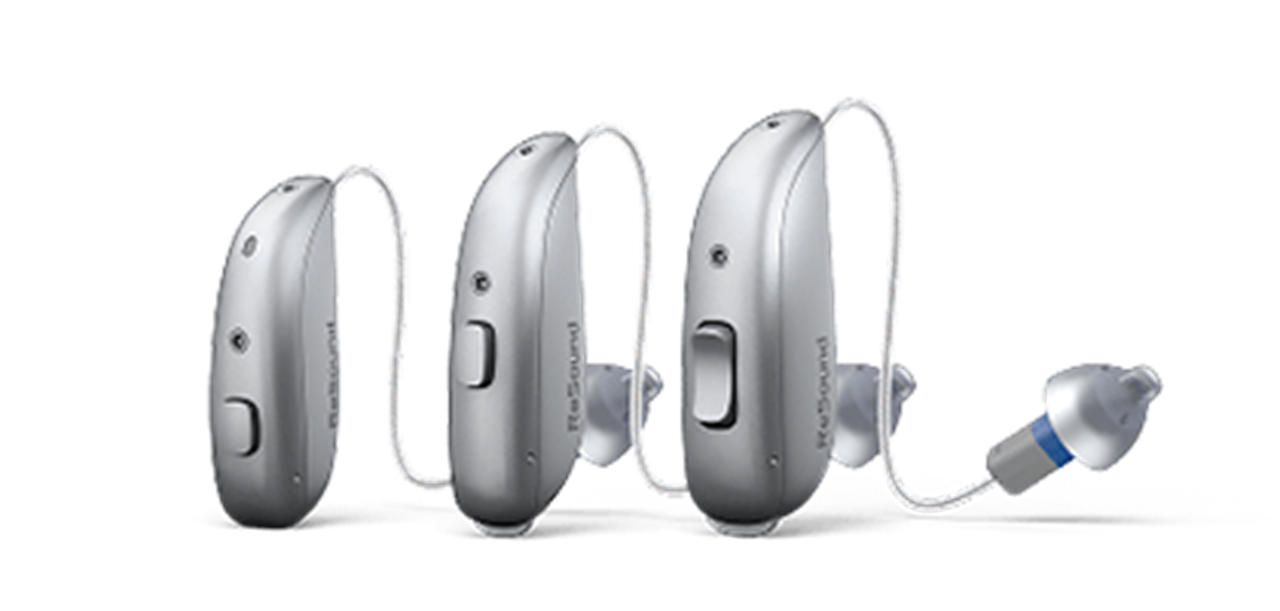
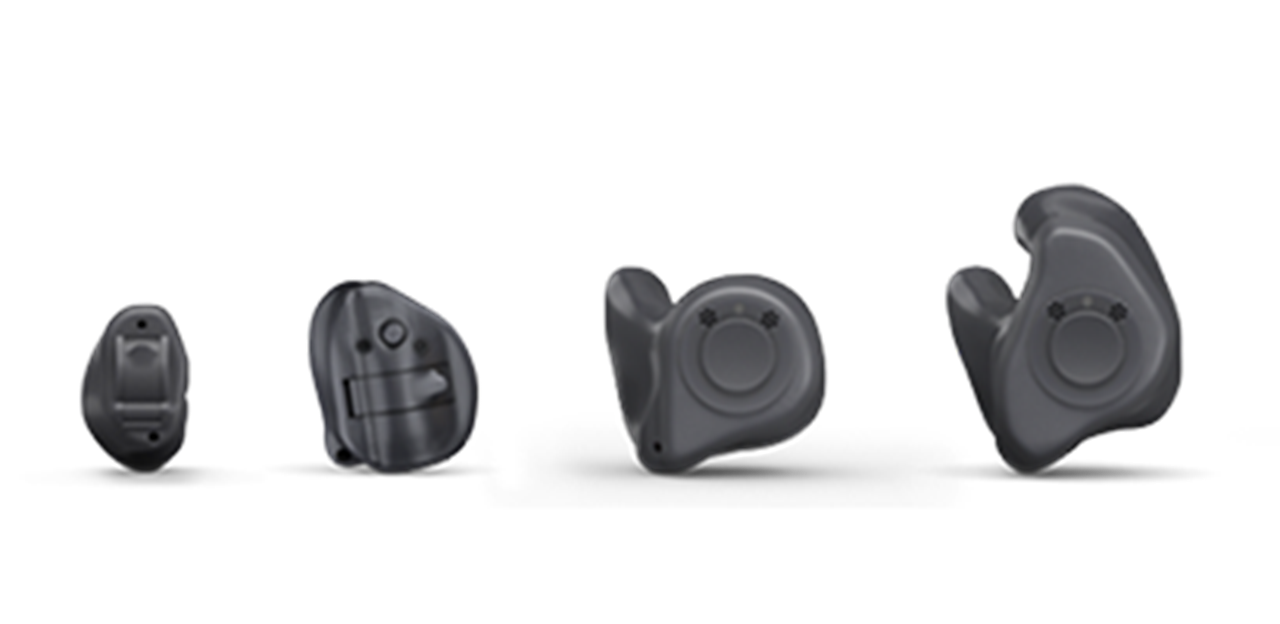
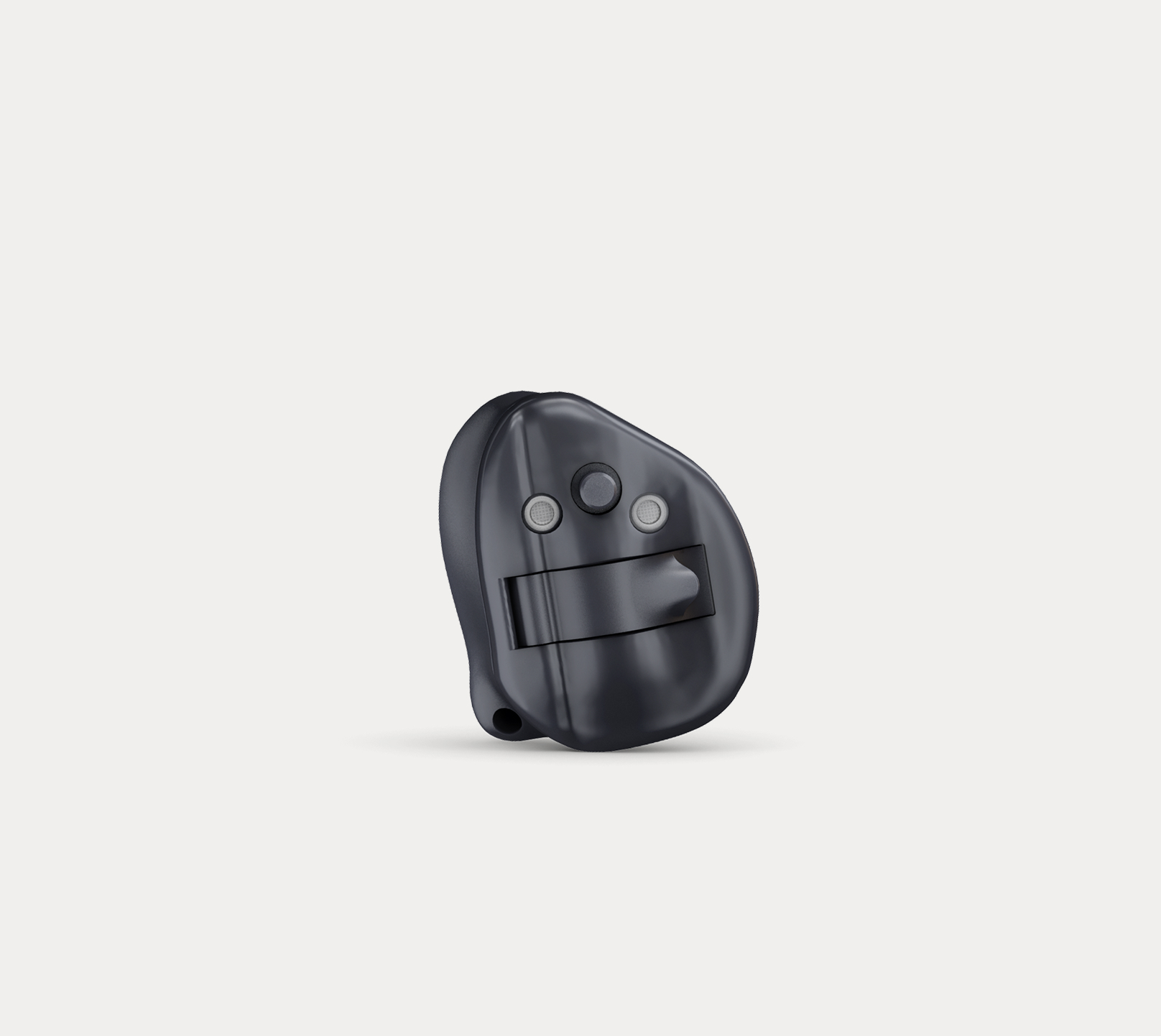
Rechargeable microRIE, zinc-air RIE, a full Custom range (ITE, ITC, CIC), CROS models, and bimodal options. All IP68-rated, in a wide range of colours.
Is ReSound Sensia rechargeable?
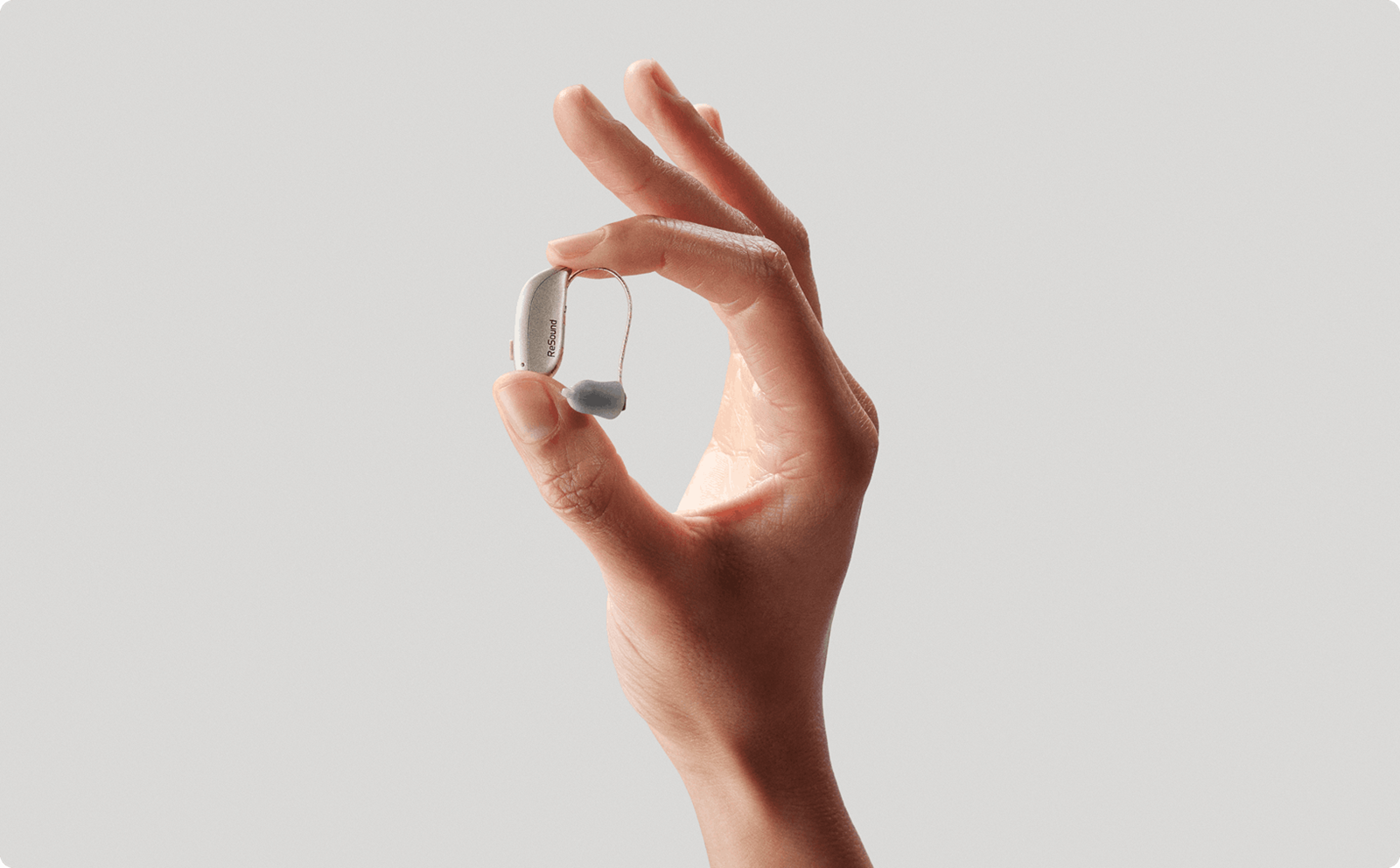
Yes! Our microRIE is rechargeable. Zinc-air battery options are also available for RIE styles. Custom ITE and ITC styles have dedicated rechargeable options too. Your hearing care professional will help you choose.
How do I charge my ReSound Sensia hearing aids?
ReSound Sensia uses inductive charging – the hearing aids simply fall into place in the charger, no connectors needed. Choose from Premium on-the-go chargers (microRIE) or Custom chargers (ITE/ITC). Check battery status in the ReSound Smart 3D™ app.
How long should the battery last on a full charge?
Up to 24 hours - even with streaming throughout the day. Put them on in the morning and and they'll keep up with you until bedtime, without compromise.
Can I leave ReSound Sensia in the charger overnight or for several days?
Yes, it's safe to leave your hearing aids in the charger overnight. Rechargeable hearing aids are designed to handle routine overnight charging without damaging the battery.
How do I put ReSound Sensia on correctly and make sure it fits well?
Your hearing care professional will fit ReSound Sensia to your ear during your appointment and guide you through wearing it correctly.
How do I use the physical control buttons on ReSound Sensia?
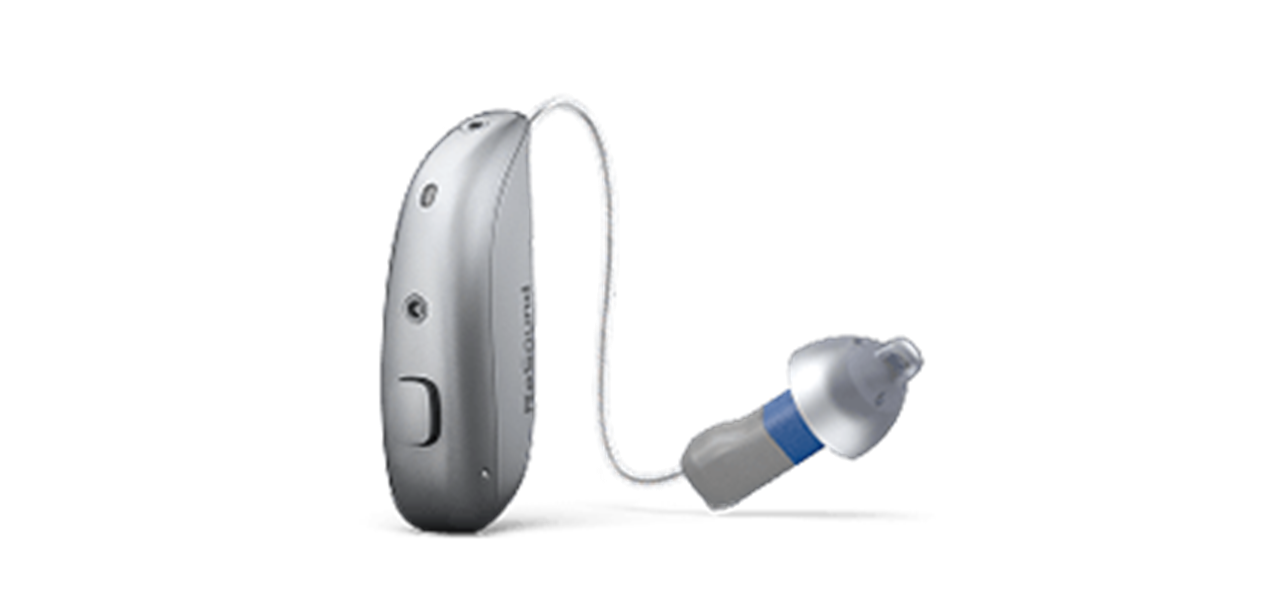
The button on the ReSound Sensia microRIE allows you to control key functions of your hearing aids directly. Depending on how it is programmed by your hearing care professional, it can be used to turn the hearing aids on or off, adjust volume, switch between listening programs, or manage streaming and wireless settings.
What do the lights on the hearing aids and charger mean?
On the hearing aid: a single 2-second green blink means it has turned on; three 1-second green blinks mean it is turning off.
How do I pair ReSound Sensia to my iOS or Android™ smartphone?
Go to your phone's Bluetooth settings and follow the on-screen instructions. ReSound Sensia supports Bluetooth® LE Audio on iPhone, iPad, and compatible Android devices. Available across all styles, excluding the Custom CIC. Get full guidance at resound.com/help
Which app should I use with ReSound Sensia and what can I do with it?
Use the ReSound Smart 3D app (App Store and Google Play). Check battery status, boost DNN denoising with a simple swipe, and use the Auracast Assistant to find and connect to Auracast streams intuitively. Also manage volume and sound preferences.
How do I stream phone calls, music or video audio to ReSound Sensia?
Stream directly via Bluetooth LE Audio. Hands-free call tap-to-answer is supported on iPhone 11+ and compatible iPad models (iOS/iPadOS 15.3+) and compatible Android devices. For TV audio, use the Auracast-enabled TV-Streamer+.
Can I answer or end calls by tapping my ear or the hearing aid, and how do I set that up?
Yes - hands-free call pick-up with a tap is available on iPhone 11 or later, compatible iPad models (iOS/iPadOS 15.3+), and compatible Android devices.
Why do my ReSound Sensia hearing aids disconnect from my phone or app?
Common causes include Bluetooth interference, low battery, or moving out of range. Try toggling Bluetooth off and on, or re-pair via your phone's Bluetooth settings. For persistent issues, visit resound.com/help.
How often should I change wax filters or domes?
Change wax filters when sound becomes weak or muffled – typically every 1-3 months. Replace domes every 2-3 months or when worn or discoloured. Your hearing care professional can advise.
How do I connect ReSound Sensia to my TV, computers or hearing aid accessories?
Use the Auracast enabled TV-Streamer+ for TV audio and the Multi-Mic+ – now with a replaceable battery – to stream a speaker's voice directly to your hearing aids in noise, up to 25 metres away.
How do I clean ReSound Sensia (domes, moulds, wax filters, microphones)?
Wipe hearing aids daily with a dry, soft cloth and check the wax filter regularly. ReSound Sensia features exchangeable mic filters – quick and easy to replace at home, helping reduce up to 40% of service returns.
What should I do if my ReSound Sensia gets wet or exposed to sweat, rain, or humidity?
ReSound Sensia is IP68-rated with protective nanocoating on every part – built for daily exposure. If accidentally submerged, dry thoroughly before placing in the charger. If problems persist, contact your audiologist.
Does ReSound Sensia receive software updates, and how are they installed?
Updates are delivered via the ReSound Smart 3D app. When an update is available, you'll be prompted in the app. Keep notifications enabled to stay current.
Can my audiologist adjust ReSound Sensia remotely?
Yes. Using the ReSound Smart 3D app, your audiologist can make real-time adjustments to your hearing aids remotely – no clinic visit needed for minor fine-tuning, depending on availability in selected clinics and markets.
How does remote fine-tuning or remote care work with ReSound Sensia?
Request a session via the ReSound Smart 3D app. Your audiologist connects, assesses your needs, and pushes adjustments directly to your hearing aids. You'll need an internet connection and an up-to-date version of the app.
Who do I contact for support with my ReSound Sensia hearing aids?
Start at resound.com/help for guides, videos, and FAQs. For personalised support, contact your hearing care professional or your local ReSound support team via the website.

Experience ReSound Sensia
If you’d like to try ReSound Sensia, please contact your local hearing care provider. They can help you confirm which style and technology level are right for your hearing and lifestyle.